Add a control to Control Center
Steps to add an aircal control to your iPhone Control Center.
1
First, open Control Center.
• iPhone with Face ID: swipe down from the top-right corner of the screen. Keep swiping down to reveal more control groups.
• iPhone with a Home button: swipe up from the bottom of the screen.
Swipe the icons on the right edge of the screen to jump to a specific group of controls. Swipe up on the icons to return to the first group.
2
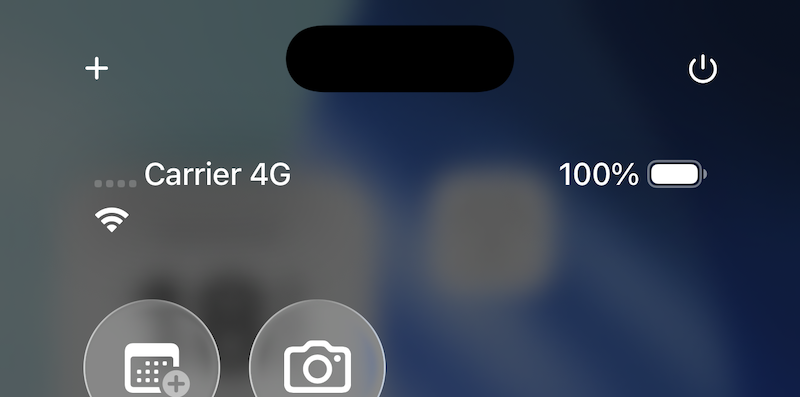
With Control Center open, tap the "+" button in the upper-left corner.
3
Tap "Add a Control" at the bottom of the screen.

4
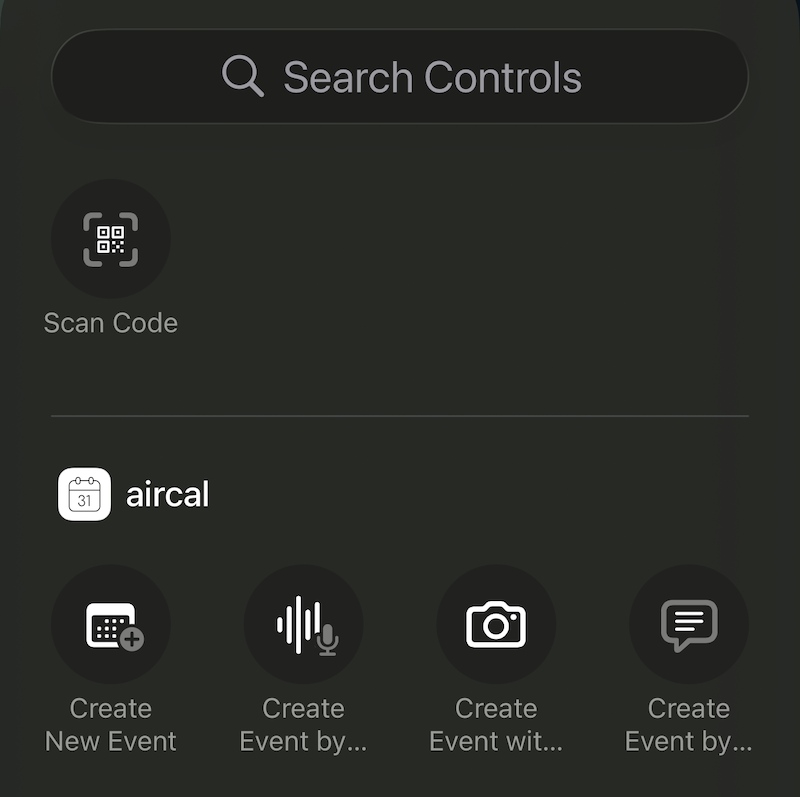
Pick an aircal control from the list. You can narrow the list by typing "aircal" in the search field.
5
The selected control is added to Control Center. Drag it to where you want it.
