How to add a lock screen widget
Steps to add an aircal widget to your iPhone lock screen.
1
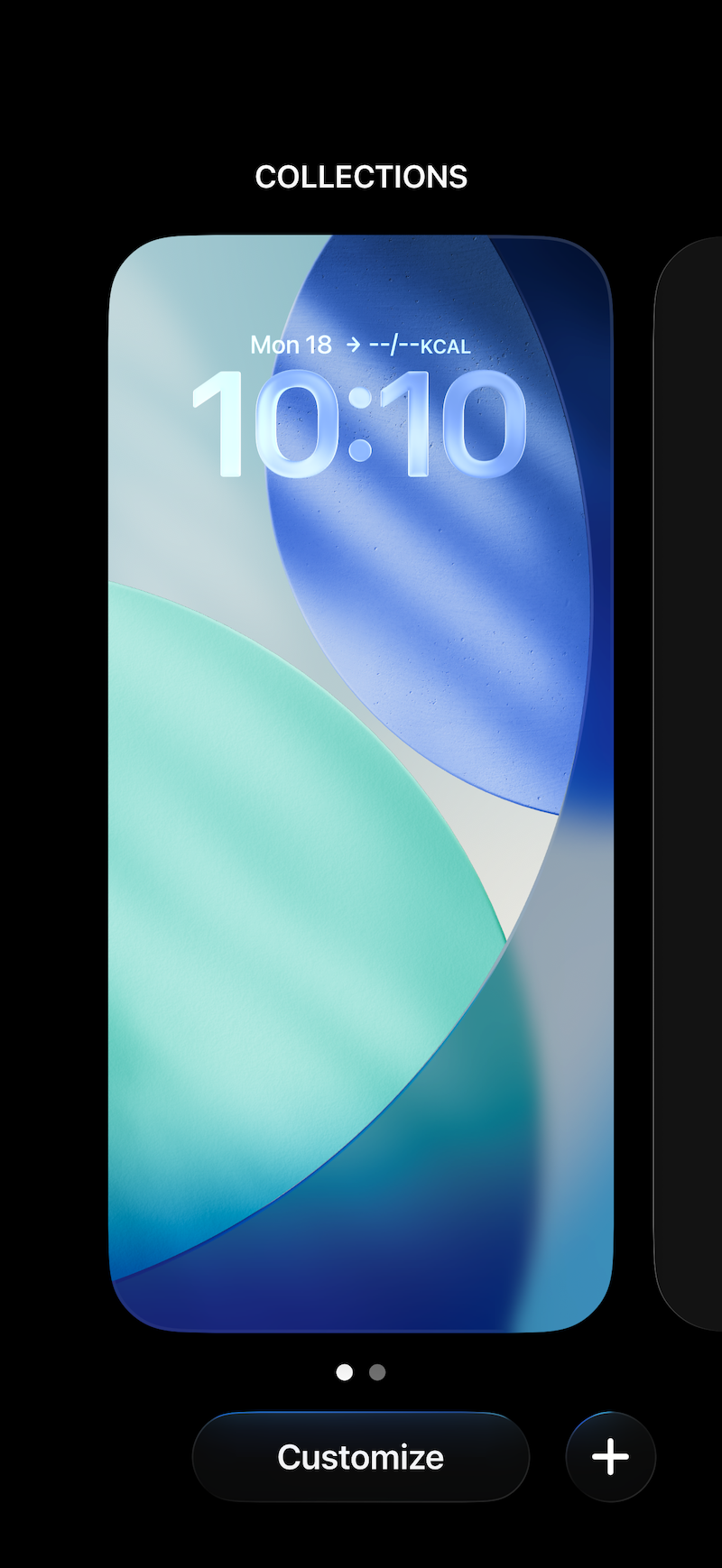
Press and hold anywhere on the lock screen to enter the wallpaper and widget edit mode.
2
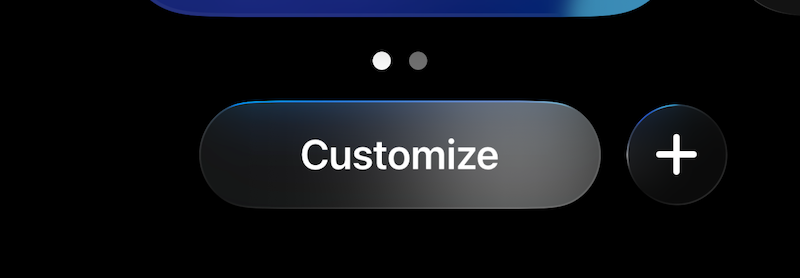
Tap "Customize" at the bottom of the screen.
3
Choose "Lock Screen", then tap "+" or "Add Widgets" in the widget area.

4
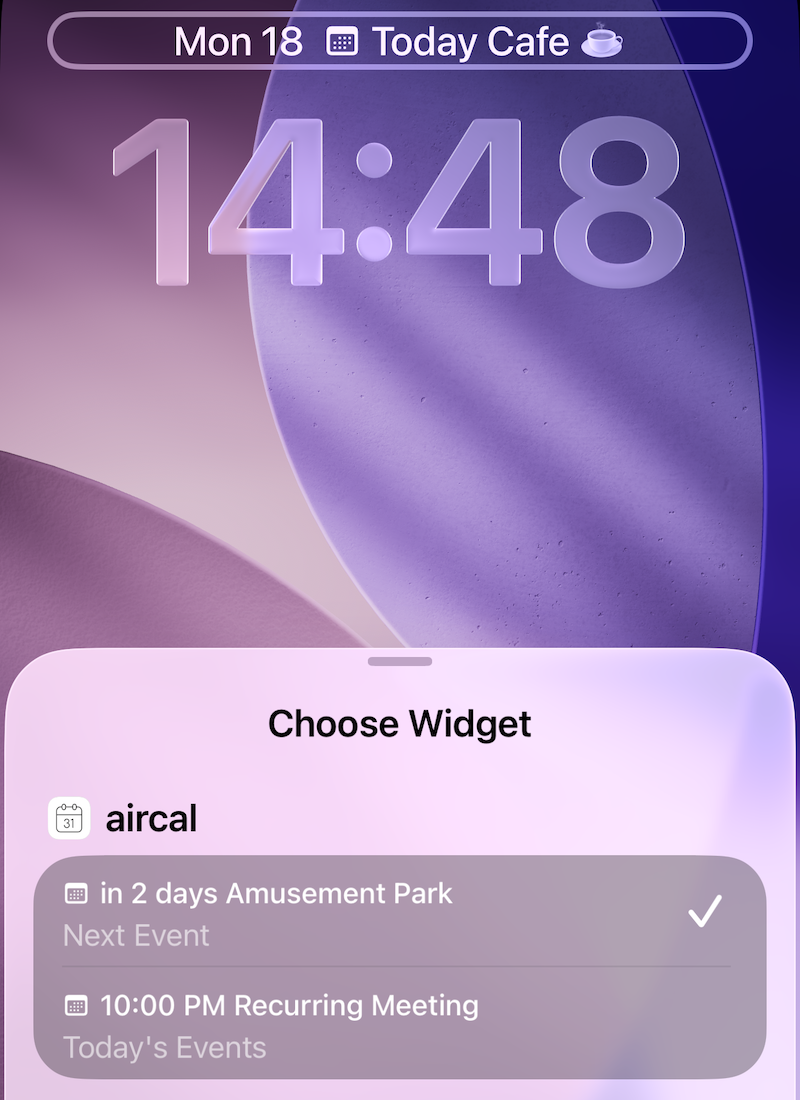
Find and tap "aircal" in the widget list.

5
Swipe left and right to choose your preferred widget.

6
The selected widget is placed on your lock screen.

7
aircal also supports the inline widget above the clock. Give it a try and use both together.
8
Finally, tap "Done" in the upper-right corner to finish editing.
