How to remove a lock screen widget
Steps to remove an aircal widget from your iPhone lock screen.
1
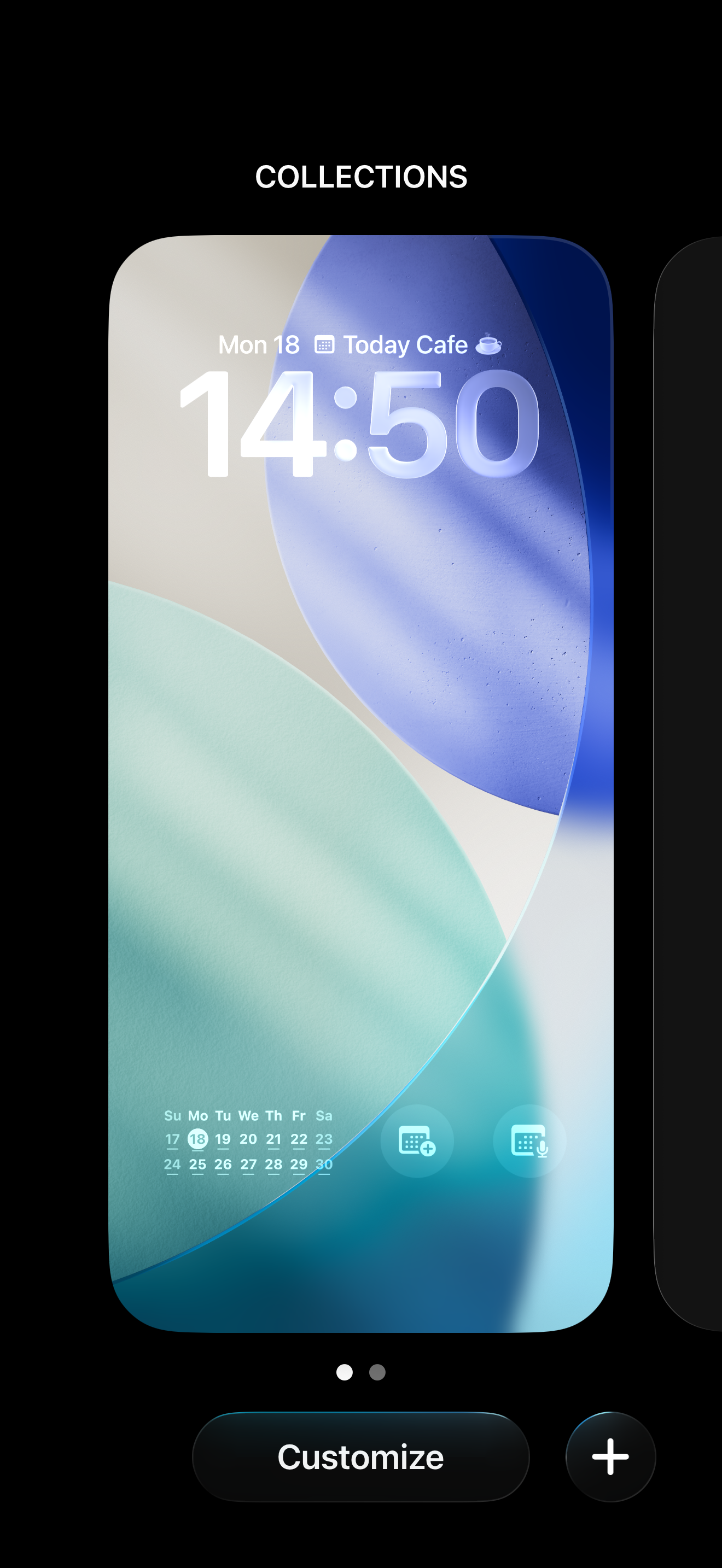
Press and hold anywhere on the lock screen to enter the wallpaper and widget edit mode.
2
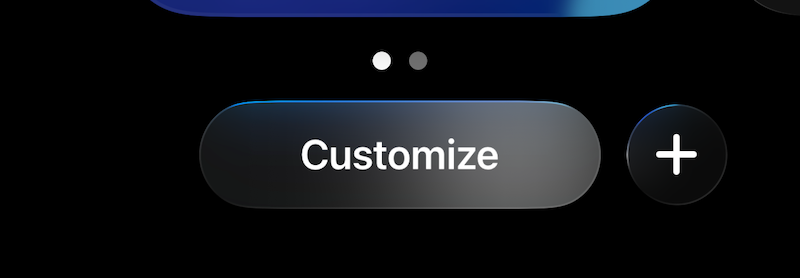
Tap "Customize" at the bottom of the screen.
3
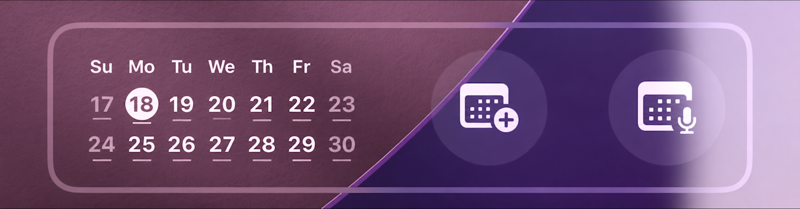
Tap the area showing your "Lock Screen" to enter its editor.
4
Tap the "−" (remove) icon on the top-left of the widget to remove it.

5
Tap outside the widget area (an empty spot), then tap "Done" in the upper-right corner to finish editing.
