iOS
Add events from other apps
Share text from any app with aircal, and AI will analyze it to create an event automatically. Works from Notes, Mail, browsers, messages — any app that lets you share text.
Add events from other apps
1
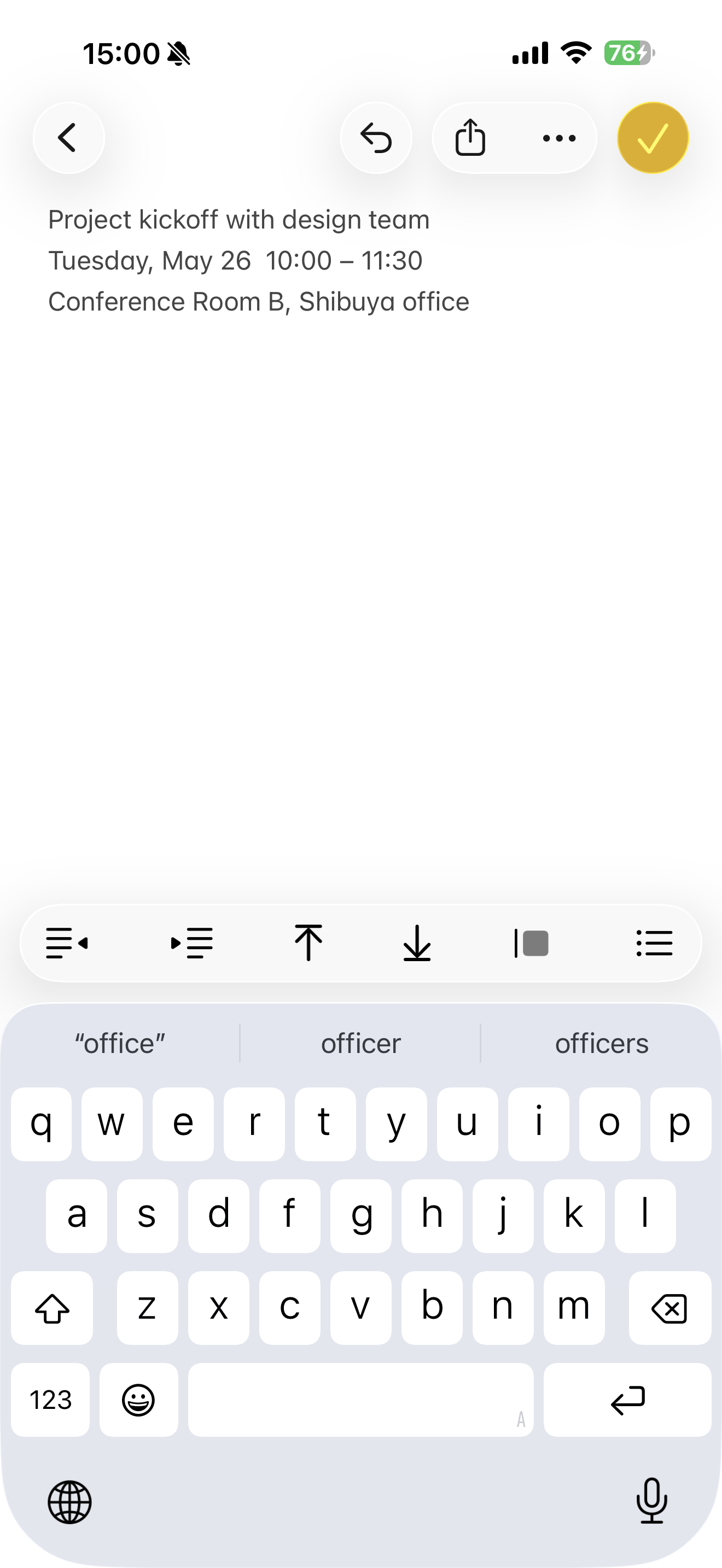
Open the text you want to turn into an event. Any app that displays text works — Notes, Mail, web pages, and so on.
2
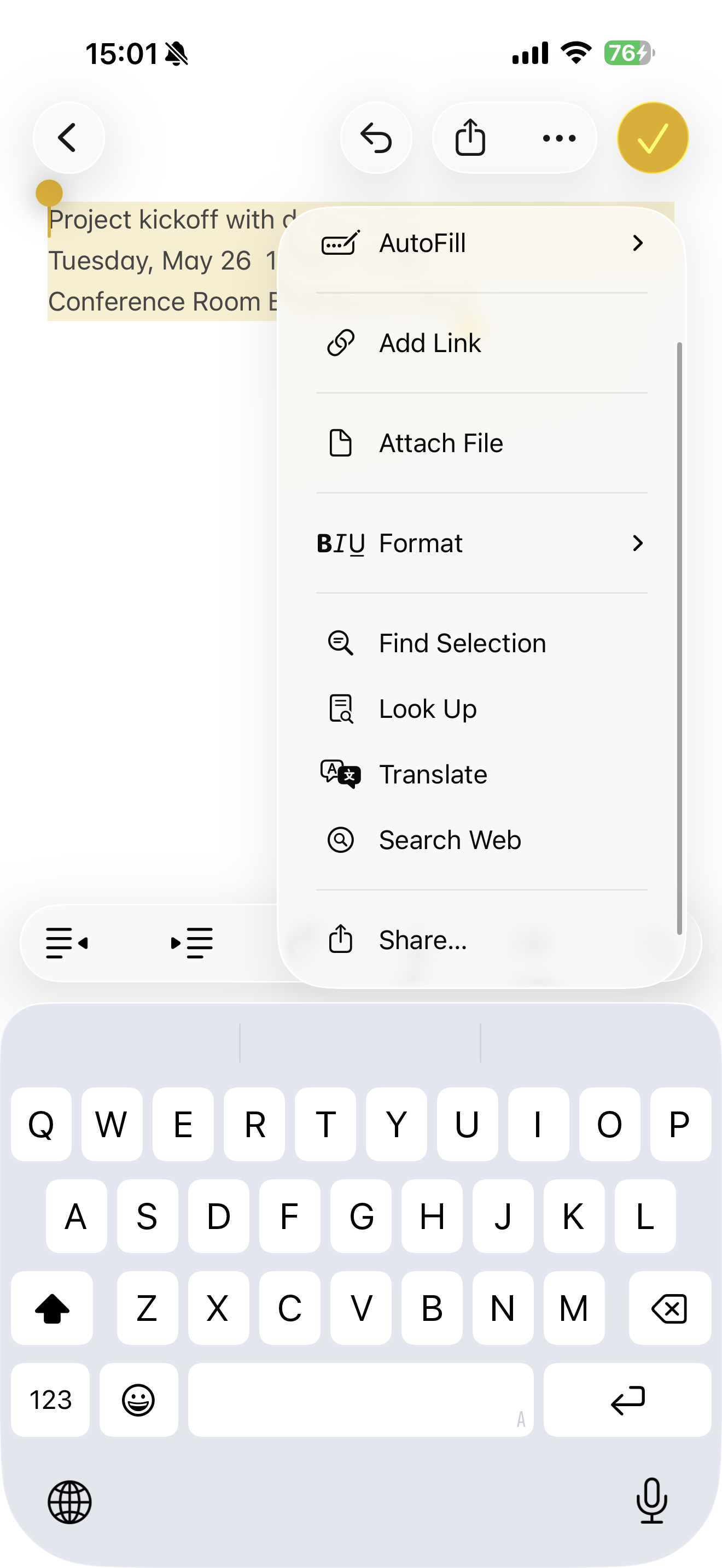
Select the text and tap Share from the menu that appears.
3
Tap "Add to aircal" in the share sheet. If you don't see it, tap "Edit Actions" and turn on "Add to aircal".

4
aircal extracts the event details from the text and opens the event editor. Review the details, make any changes, and tap Save.
