iOS
How to add a home screen widget
Steps to add an aircal widget to your iPhone home screen.
1
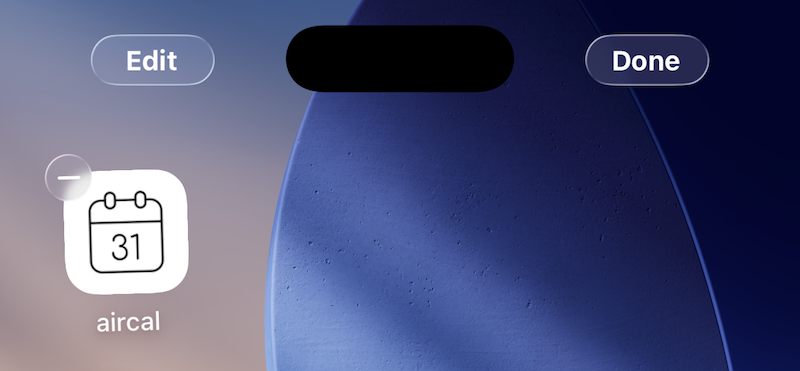
Press and hold an empty area on the home screen. App icons will start jiggling (Edit Mode), and an "Edit" button appears in the upper-left corner.
2
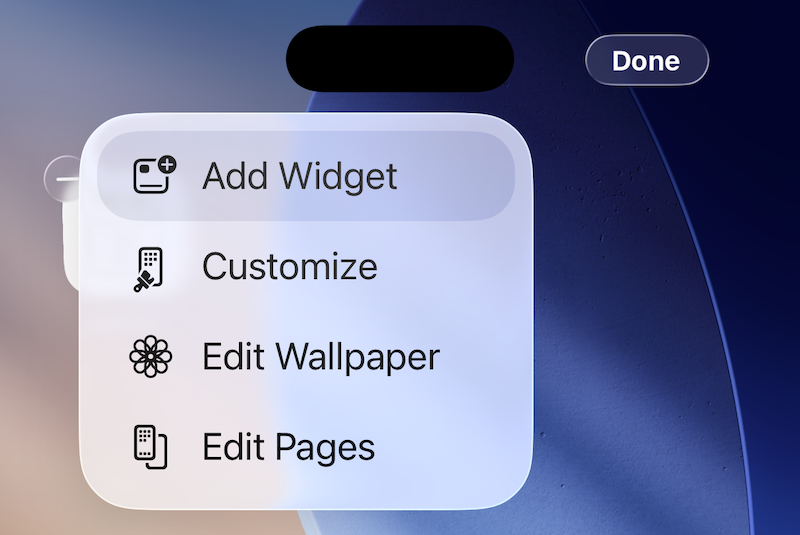
Tap "Edit" in the upper-left corner, then choose "Add Widget" from the menu.
3
When the widget gallery opens, type "aircal" in the search field. Tap aircal from the suggestions.

4
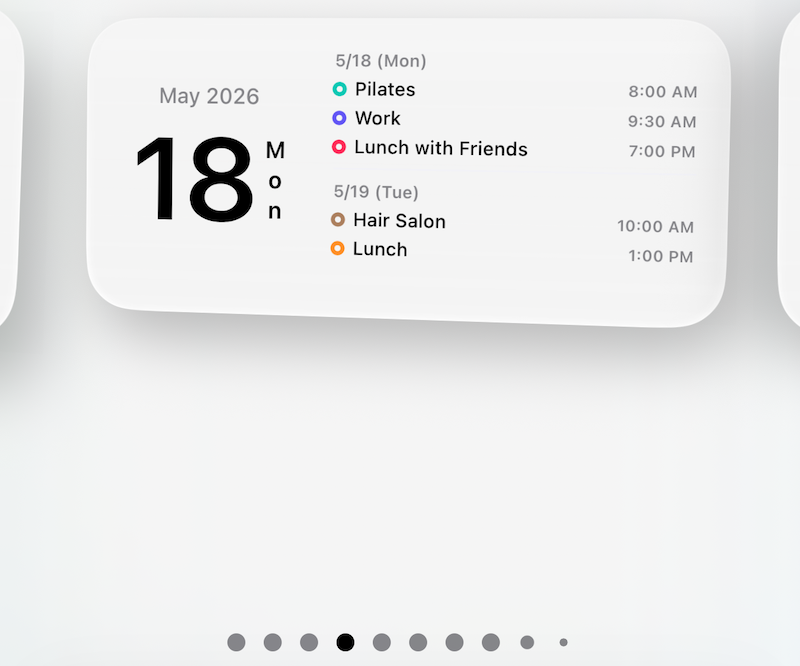
Swipe left or right to choose your favorite widget. Size (small/medium/large) and type can be changed later.
5
Tap "Add Widget" at the bottom of the screen.

6
The widget is now placed on your home screen. Drag it to your preferred location and tap "Done" in the upper-right to finish.
