iOS
Remove a widget
Press and hold an aircal widget to remove it.
1
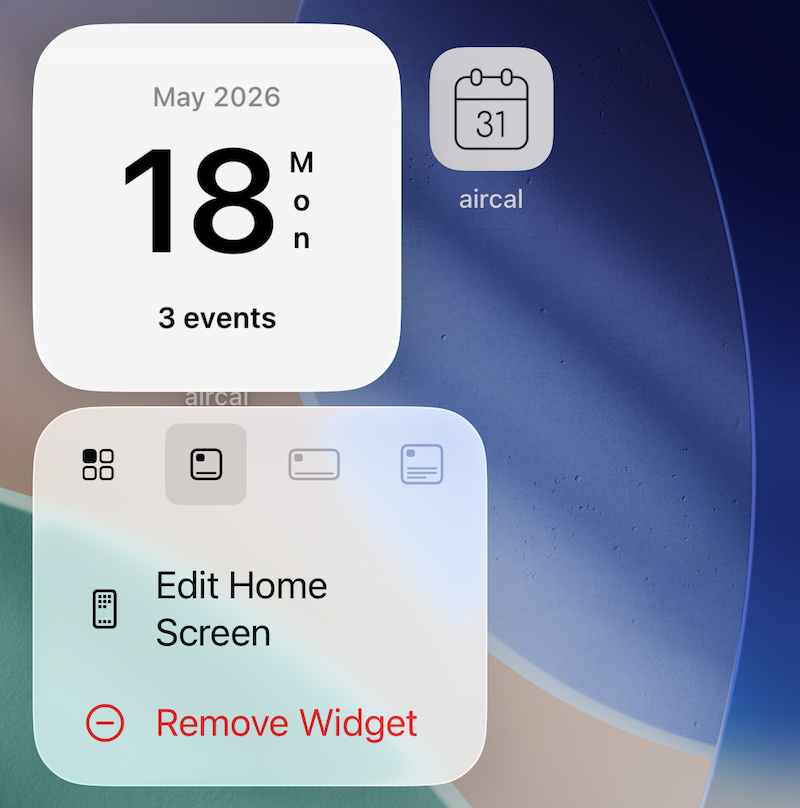
Press and hold an aircal widget to open its menu.
2
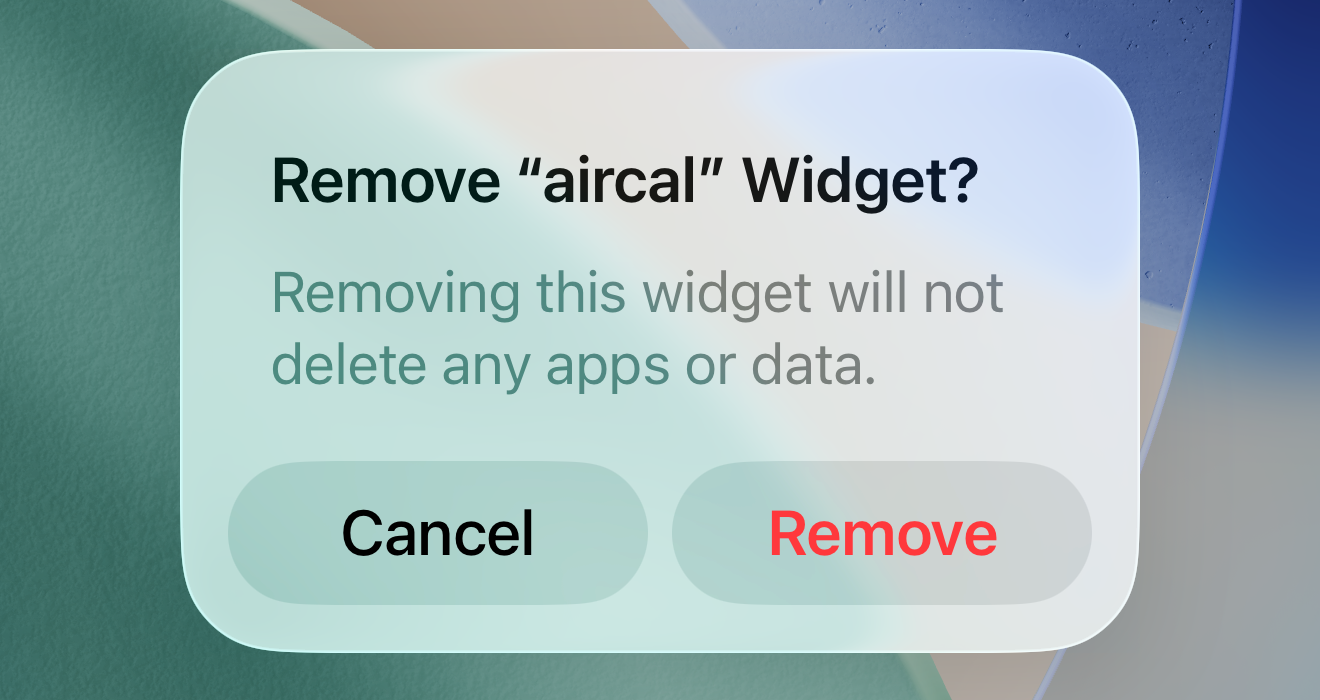
Tap "Remove Widget" (in red) from the menu. A confirmation dialog appears; tap "Remove" to delete it from the home screen.